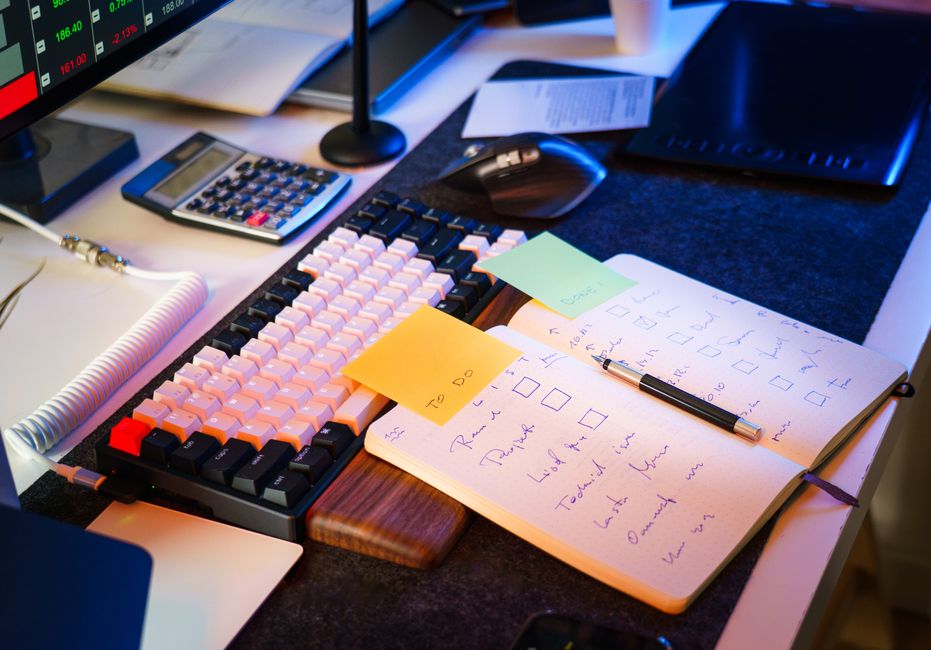
It's 10:30 AM on a Wednesday, and the cluttered desktop is filled with various browser tabs, each one a potential distraction. As you settle into your chair, the familiar ping of a Slack notification pulls your attention away. Glancing at the screen, you see a message that demands immediate attention. Just like that, your focus block begins to fray, and the simple task of studying feels overshadowed by the relentless tide of incoming notifications.
Each time a reminder popup interrupts your thoughts, it steals not just the moment but also the next ten minutes as you struggle to regain your train of thought. Before diving into the material, you might have meant to mute notifications or close unnecessary tabs, but those steps often slip through the cracks in the rush of the day.
What Gets Overlooked in Your Study Setup?
The cluttered desktop is a battlefield of distractions, with multiple browser tabs open, each one a siren call for your attention. A quick glance reveals a message that seems urgent, and just like that, your focus block is compromised. The simple act of studying transforms into a tug-of-war between the task at hand and the demands of your digital life.
Before you can settle into a rhythm, you realize that you haven’t muted your notifications or closed the tabs you don’t need. Each ping and popup steals precious minutes, often leading to a frustrating cycle of task switching. To combat this, take a moment to close all unnecessary tabs and set your email to "Do Not Disturb" mode. This small adjustment can create a clearer workspace, allowing you to signal to yourself that it’s time for focused work.
The Switching Costs That Disrupt Focus
The cluttered browser tab row is a silent enemy during your focus block. You might think it’s just a quick check, but that interruption can easily cost you ten minutes of reorientation, as you struggle to regain your previous train of thought.
Every time you switch tasks, your brain has to recalibrate, which creates a hidden bottleneck in your workflow. For instance, if you’re diving into a complex topic but get sidetracked by an email alert, the time spent reading and responding can derail your focus. Instead of making progress, you find yourself backtracking, trying to remember where you left off. A simple notification can transform a productive hour into a frustrating cycle of interruptions.
If you’re using a tool like Slack, consider muting it for the duration of your focus block. This small adjustment not only reduces noise but also sets a clear boundary for your work time. By actively managing your digital environment, you create a space that supports concentration rather than undermines it.
A Simple Checklist for Focus Block Preparation
This same friction shows up again in Managing Energy Not Time, especially when the day tightens unexpectedly.
Before diving into a focus block, take a moment to assess your digital workspace. Close all unused tabs before starting your session.
Next, consider your notification settings. During an ordinary weekday moment, notifications from Slack or email can pop up unexpectedly, pulling your attention away from the task at hand. Mute notifications on your devices to minimize interruptions. This strategy not only reduces distractions but also creates a mental boundary, signaling to yourself that it’s time to concentrate.
As you prepare, think about how task switching clogs your workflow. Each time a reminder popup steals your attention, it delays your progress on the current topic. You may find yourself spending precious minutes reorienting your thoughts, which can disrupt the flow of ideas. By actively managing your environment—closing tabs and muting notifications—you streamline your focus block, allowing for a more productive session.
Rearranging Your Study Routine for Better Focus
A slightly different version of this problem appears in Focus Without Burnout, where the sequence changes but the hidden drag feels familiar.
Before diving into your deep work session, take a brief five-minute review of your notes. This quick glance can help you reorient your thoughts and prepare your mind for the task ahead. If your notes are scattered across different tabs in your browser, consider consolidating them into a single document or a dedicated note-taking app. This small adjustment can save you from the frustration of switching between multiple screens, which often leads to wasted time and disrupted focus.
During this time, commit to working solely on your task without distractions. Place your phone face down and close all unnecessary browser tabs, leaving only the one you need open. If you have a cluttered desktop, clear it of unrelated files and documents to create a visually clean workspace. This setup minimizes the chance of being pulled away by notifications or the urge to check other tasks. A reminder popup can easily steal ten minutes of your focus, so take proactive steps to eliminate those interruptions.
As the timer ticks down, notice how each moment spent on task feels more productive when your environment is optimized for focus. If you find yourself distracted by a Slack notification, resist the urge to check it immediately.
What Changes When You Optimize Your Sequence?
During a busy weekday, the clutter of a desktop can easily become overwhelming. If you notice a row of open browser tabs, each one a potential distraction, it's time to streamline your focus. Close all tabs except the one related to your current task. This simple act creates a clearer workspace, reducing the temptation to task switch at the slightest notification ping.
With your focus block now more defined, the next step is to manage your calendar effectively. If you have back-to-back meetings, consider blocking out a specific hour solely for deep work. This calendar block not only signals to others that you are unavailable but also sets a mental boundary for yourself. When you shift into this dedicated time, the reduction in interruptions can lead to a smoother workflow. You might find that you complete tasks faster and retain information better when your attention isn’t constantly fractured.
As you engage more deeply with your material, notice how the absence of Slack or email notifications allows you to immerse yourself fully. Each minute spent without interruption feels like a small victory, reinforcing the value of this optimized sequence. If a reminder popup does appear, resist the urge to check it immediately; instead, let it sit while you focus on your task.
During a typical weekday, the clutter of your desktop can become a silent enemy. Each notification from Slack or email pulls your attention away, making it easy to overlook the simple act of closing unused tabs. This small adjustment can significantly reduce distractions, allowing your focus block to thrive. When you notice that reminder popup stealing your next ten minutes, consider how much smoother your workflow would be if you took a moment to mute notifications and clear your browser.
As you protect your focus block, remember that every small action counts. By taking the time to check your environment—closing unnecessary tabs and silencing notifications—you create a more conducive atmosphere for deep work. This simple practice not only enhances your attention management but also reinforces the importance of maintaining a clutter-free digital workspace.